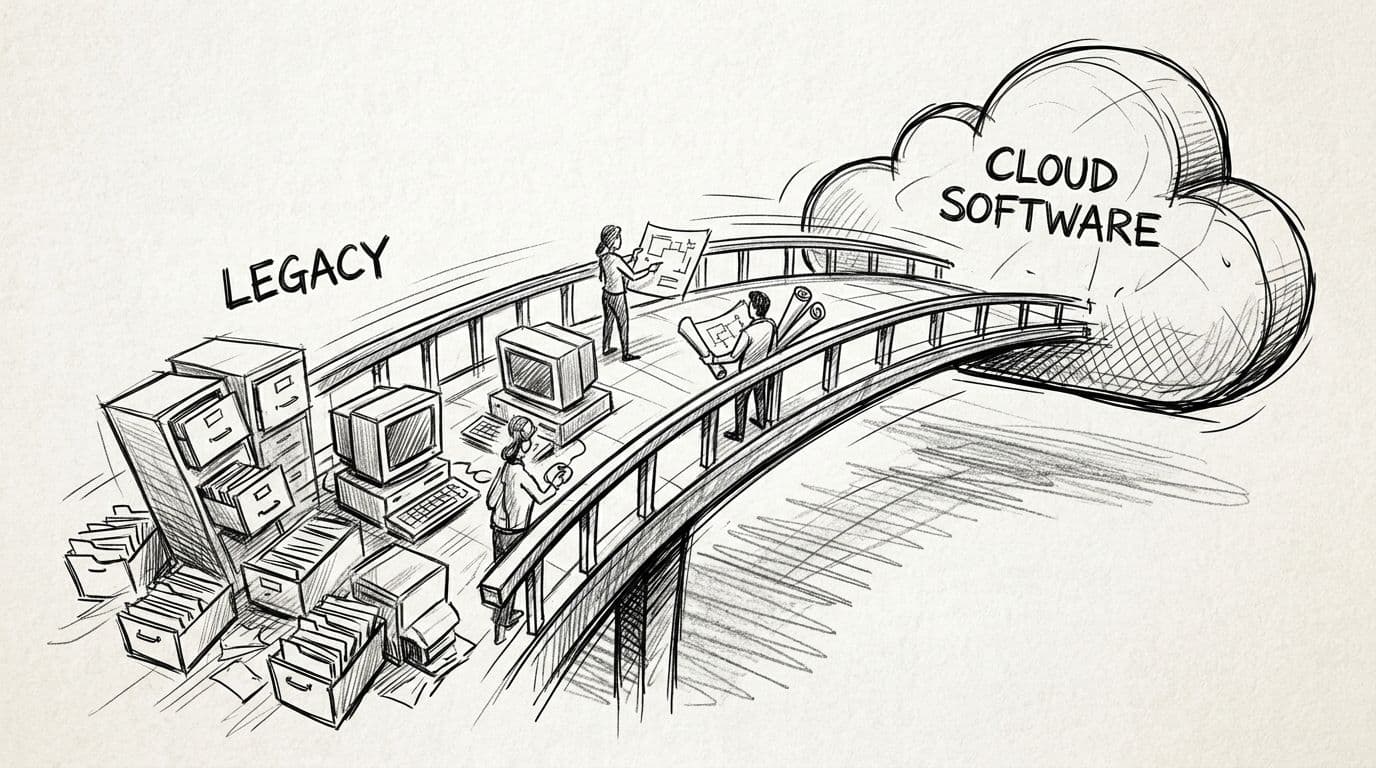
Moving legacy systems to cloud software in 2026 follows one proven workflow: assess what you have, map dependencies, choose a migration strategy per workload, migrate in waves, cut over with a rollback plan, and optimize after launch. Projects that follow it land on budget; projects that skip steps join the statistics — estimates commonly rise 20-50% when data quality or dependency surprises surface mid-migration, and typical cloud migration projects run $40,000-$400,000 or more.
This page is the complete workflow, step by step: what each phase produces, which strategy fits which workload, where budgets break, and how to keep the post-migration bill from quietly erasing the savings. If your modernization includes rebuilding the application itself, the best custom software development companies in 2026 are ranked on the delivery discipline this workflow assumes.
TL;DR
- Six phases: assess, map dependencies, choose strategy, wave migration, cutover, optimize.
- Pick a strategy per workload — rehost, replatform, refactor, replace — not one for the whole estate.
- Egress fees can reach 12% of the monthly cloud bill; model them before cutover.
- The workflow's last phase — optimization — is where the 20-40% infrastructure savings actually come from.
Phase 1: Assess the estate (1-3 weeks)
Inventory every application, database, integration, and scheduled job. For each system record: who uses it, what talks to it, what data it holds, how critical it is, and how painful it would be to rebuild versus move. The assessment's deliverable is not a document — it is a prioritized list of workloads with a rough migration strategy sketched against each.
Gartner research puts the average annual cost of poor data quality at $12.9 million per organization, and migration is where buried data debt gets paid. Audit data quality now: duplicated records, orphaned references, undocumented schemas. Every one of these gets exponentially more expensive to discover during a wave migration.
Phase 2: Map dependencies before anything moves
Dependencies kill migrations more often than data volume does. Map which applications call which services, which jobs read which databases, which reports depend on which views, and which credentials exist only in a former employee's head. A dependency map changes the migration order: shared services move last, in the wave that their consumers have already left.
Phase 3: Choose a strategy per workload — the 6 R's
Applying one strategy to every workload is the most common planning error. Score each system against six options:
| Strategy | What it means | Best for |
|---|---|---|
| Rehost (lift-and-shift) | Move as-is | Fast exits from data-center contracts; minimal code change |
| Replatform | Small changes — managed database, containers | Getting cloud benefits without a rewrite |
| Refactor | Restructure code for cloud-native patterns | Old code with high run costs and long remaining life |
| Repurchase | Replace with SaaS | Commodity functions — email, HR, ticketing |
| Retire | Turn off | Systems nobody can justify keeping |
| Retain | Leave on-prem deliberately | Compliance-bound or end-of-life workloads |
The portfolio approach matters because costs differ by an order of magnitude between rehosting one VM and refactoring a decade-old monolith. Honest scoping here is what separates a defensible budget from a hopeful one.
Phase 4: Migrate in waves (the core of the project)
Waves sequence workloads by risk and dependency: start with a low-risk, low-coupling system to exercise the process, then increase complexity. Each wave runs the same loop:
- Provision the landing zone pieces the wave needs (networking, identity, security baseline)
- Migrate data with validation counts — row counts, checksums, spot-check business records
- Move the application and integrations
- Test against production-like data, including the edge cases and permission boundaries the system actually exhibits
- Run in parallel with the legacy system until confidence is earned
Parallel running costs money and buys safety — and for compliance-heavy environments, a single control gap can block cutover and extend the double-run period. Budget for the overlap explicitly.
Phase 5: Cutover with a rollback plan
A cutover is a planned event with a written runbook: the cutover window, the freeze on writes to the old system, the validation checklist, the go/no-go criteria, and — non-negotiably — the rollback path back to the old system. Downtime carries an industry-average cost of $5,600 per minute, which is why the rollback plan is not pessimism; it is the cheapest insurance in the project.
Cut over during low-traffic windows, keep the old system warm for an agreed period, and decommission on a date, not on a feeling. Undecided decommissioning is how companies pay for two estates for quarters.
Phase 6: Optimize — where the savings actually happen
The migration moves the workload; the savings come afterward. Enterprises that plan well target a 20-40% infrastructure cost reduction, but the result depends on what happens post-cutover:
- Rightsizing — instances sized for launch, not for the workload's actual profile
- Reserved capacity and savings plans for the steady-state load
- Cost monitoring with owners — every cost anomaly has a name attached
- Release-speed capture — cloud-enabled DevOps commonly cuts release cycles from months to days, and that agility is often worth more than the infrastructure savings
Budgeting the project without owning the run cost is how companies pay twice: once to move, once for a bill nobody forecast. The most reliable planning model separates project costs (temporary, volatile, end at cutover) from run costs (the long-term bill that decides whether this was worth it).
What the workflow costs
Published 2026 industry ranges put typical cloud migration projects between $40,000 and $400,000 or more, with egress and transfer fees reaching roughly 12% of the monthly cloud bill for large enterprises and estimates carrying a 20-50% upward adjustment when complexity, compliance, or data quality problems surface mid-project. The controllable lever is Phase 1: one week of assessment and dependency mapping before the first quote prevents most of the overrun — and it is the cheapest engineering work the project will ever contain.
How to run this workflow with a partner
The division of labor that works: you own the inventory, the criticality calls, and the business sign-offs; the partner owns the landing zone, the wave execution, testing, and the run-cost model. Insist on three things in the proposal — a per-workload strategy table (not one strategy for everything), a cutover and rollback plan with a downtime number, and a post-migration optimization plan with a named owner. A partner that stays invested and optimizes continuously is the difference between a 20-40% saving and a bill that quietly grows.
FAQ
What is the workflow for moving legacy systems to the cloud?
Six phases: assess the estate, map dependencies, choose a strategy per workload (the 6 R's), migrate in waves with parallel running, cut over with a written rollback plan, then optimize run costs.
How long does a legacy-to-cloud migration take?
Small estates move in weeks; multi-application programs typically run several months, extended by compliance review and the parallel-run period before cutover.
How much does a legacy system migration cost?
Published 2026 industry ranges put typical projects between $40,000 and $400,000 or more, depending on application count, data volume, and how much code must be refactored rather than moved.
Should we lift-and-shift or refactor?
Per workload, not per project. Rehosting minimizes upfront cost but imports old inefficiencies; refactoring costs more up front and lowers run costs for workloads with years of life left.
What are the biggest migration risks?
Unmapped dependencies, data quality problems discovered mid-wave, compliance gaps that block cutover, and missing rollback plans. All four are cheap to address in the assessment phase.
What are data egress fees?
Fees for moving data out of a cloud provider. Unmodeled, they can consume roughly 12% of a large enterprise's monthly cloud bill — model them before cutover.
When should we NOT migrate to the cloud?
Steady, predictable workloads with no compliance pressure, no growth constraint, and depreciated hardware can cost more in the cloud than on-premise. Run the run-cost math honestly first.
Who owns cloud costs after migration?
You do. Savings come from post-migration optimization — rightsizing, reserved capacity, monitored anomalies — that someone must own from day one.
One last thing
Migrations do not fail in the cloud; they fail in week one, when nobody mapped what talks to what. Do the assessment before the quote, sequence the waves by dependency rather than by enthusiasm, and put a name on the post-cutover cost graph — the workflow is simple, but skipping its first step is what turns a migration into a rewrite at double price.
Related guides
Topics covered
Written by Prizmstack Team
Full-spectrum software agency